



Onboarding
How to get started with RCS?
Launch verified, branded and interactive RCS messaging with the support of RingRing and Belgian mobile operators.

1. Complete form and sign contract
Fill in the Agent Form and validate the commercial offer to start the RCS onboarding process with RingRing.

2. Define Your RCS Agent
RingRing helps you define your RCS Agent: type (conversational or not), brand identity, and use cases.
3. Obtain Google & Operator Approval
RingRing creates your agent in Google and submits it for approval by Google and mobile operators.
4. Integrate the RCS API
Integrate the RCS API into your existing systems — built for developers, designed to fit your stack.

5. Launch your RCS Campaigns
Start sending RCS campaigns and engage your customers with rich, verified messaging.
How RCS billing works
Discover how RCS pricing is structured across agent types, messaging types, messaging flows (A2P / P2A)
RCS Agent
The RCS Agent is the foundation of your RCS setup. You will need your own dedicated Agent to send RCS Campaigns. It defines your branded identity, enables messaging capabilities, and provides access to the RCS infrastructure through RingRing.
There are two types of RCS Agent:

Non-conversational
A branded RCS agent designed for one-way communication. Non-conversational agents use Basic and Single RCS message types, where each message is sent independently without opening an active conversation session. This makes them ideal for notifications, alerts, OTP codes, or promotional campaigns.
Billing: Billed per individual message. The exact cost depends on the message length and if it contains rich media.
Conversational
A branded RCS agent that supports two-way interactions with end-users. It enables back-and-forth exchanges within an active session — ideal for customer support, onboarding flows, or any use case requiring dynamic responses based on end-user input.
Billing: A flat rate per 24-hour session. The session, and the flat rate, only opens once there's a reply. Until then, messages are billed individually like a non-conversational agent. Once open, the session covers unlimited messages back-and-forth for 24 hours.
Set up fee: One-time setup fee covering agent creation, brand configuration, Google RBM onboarding support and technical activation.
Monthly fee: Recurring monthly platform fee covering agent hosting, maintenance, support and access to the RCS infrastructure and APIs.
Message types
Different RCS message types determine how messages are billed based on the level of interaction with the user.
Basic Message
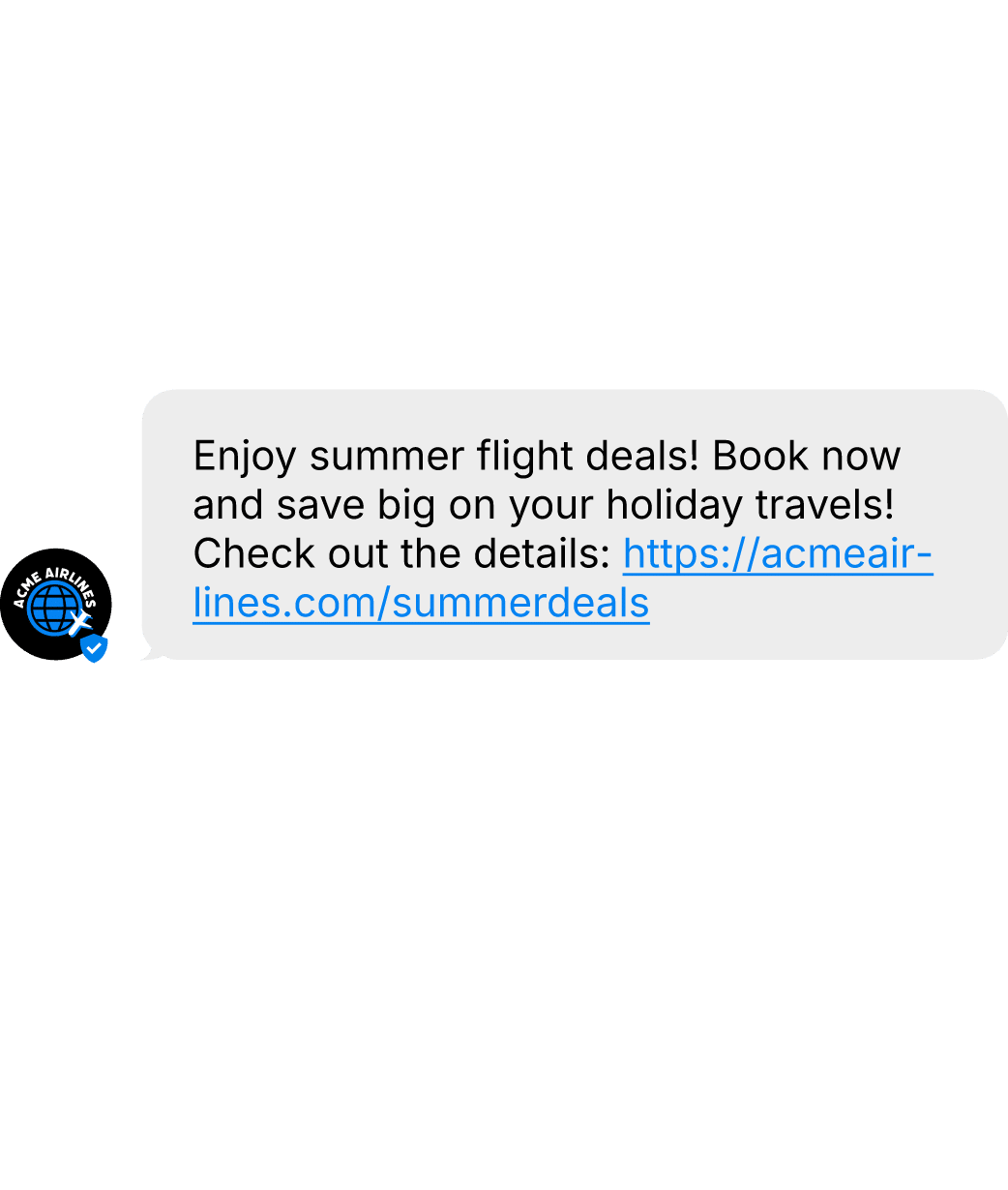
A simple RCS message without advanced interaction or conversational session.
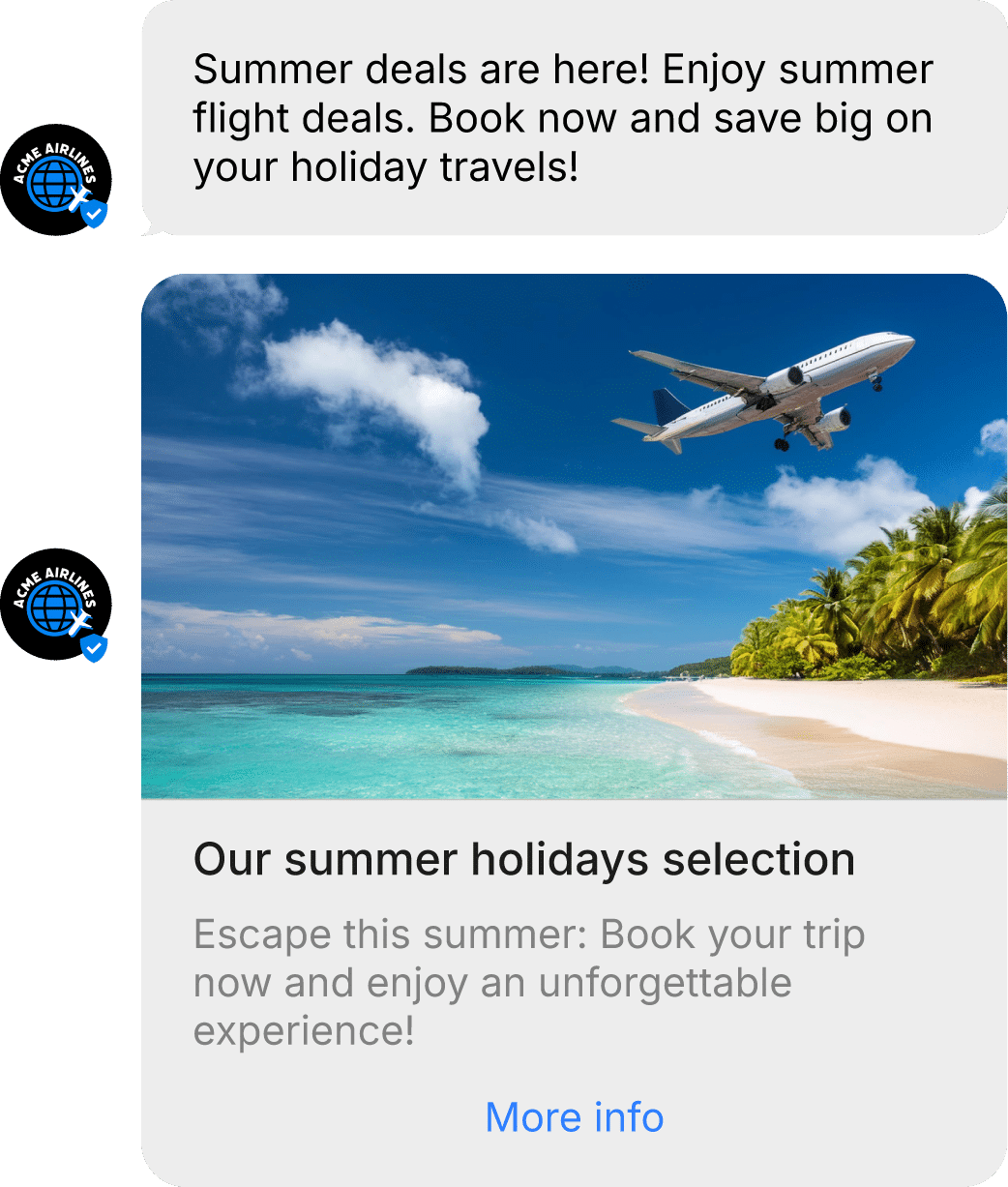
Single Message
A branded standalone RCS message sent outside of an active conversation.
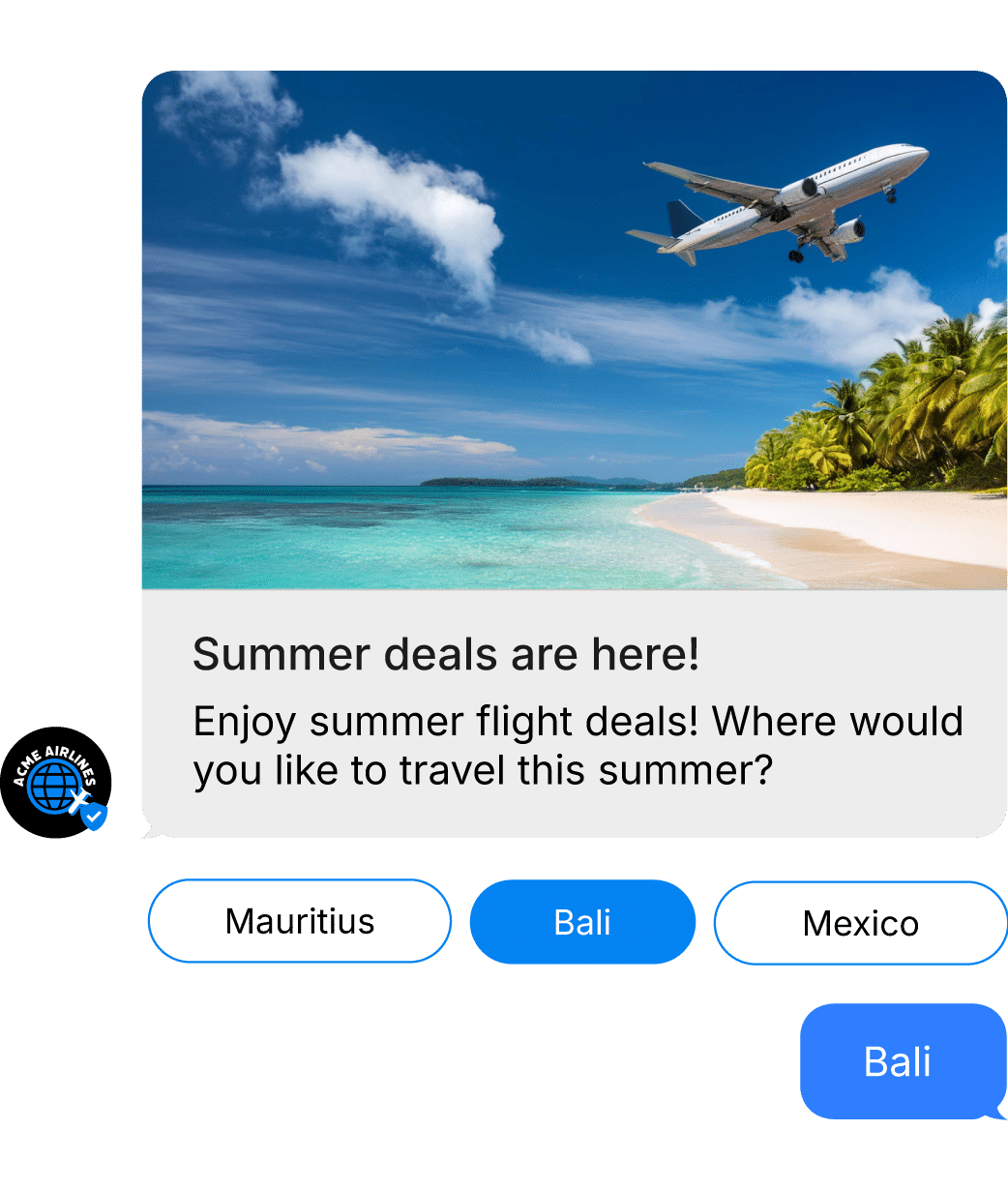
Conversational
Interactive two-way conversations between a customer and a business during an active session.
Messaging flows
RCS messaging flows define the direction of communication between businesses and users.
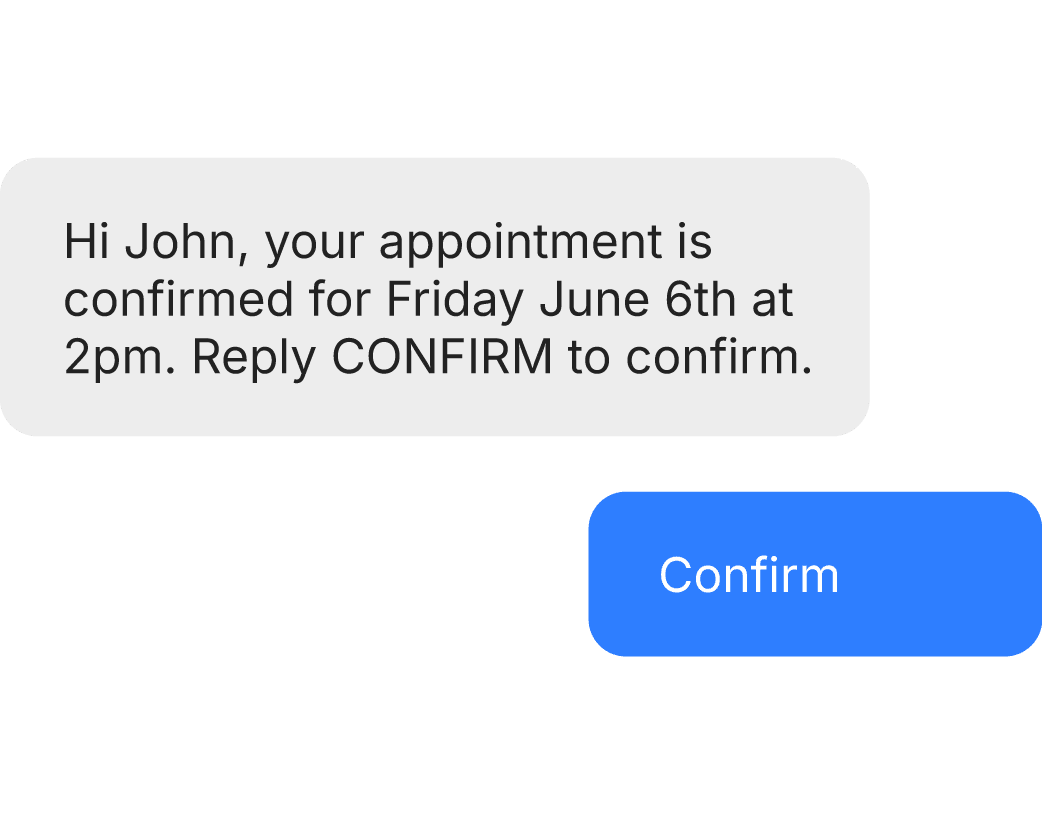
A2P Conversation
Application-to-Person refers to interactions sent by a business to a end-user.
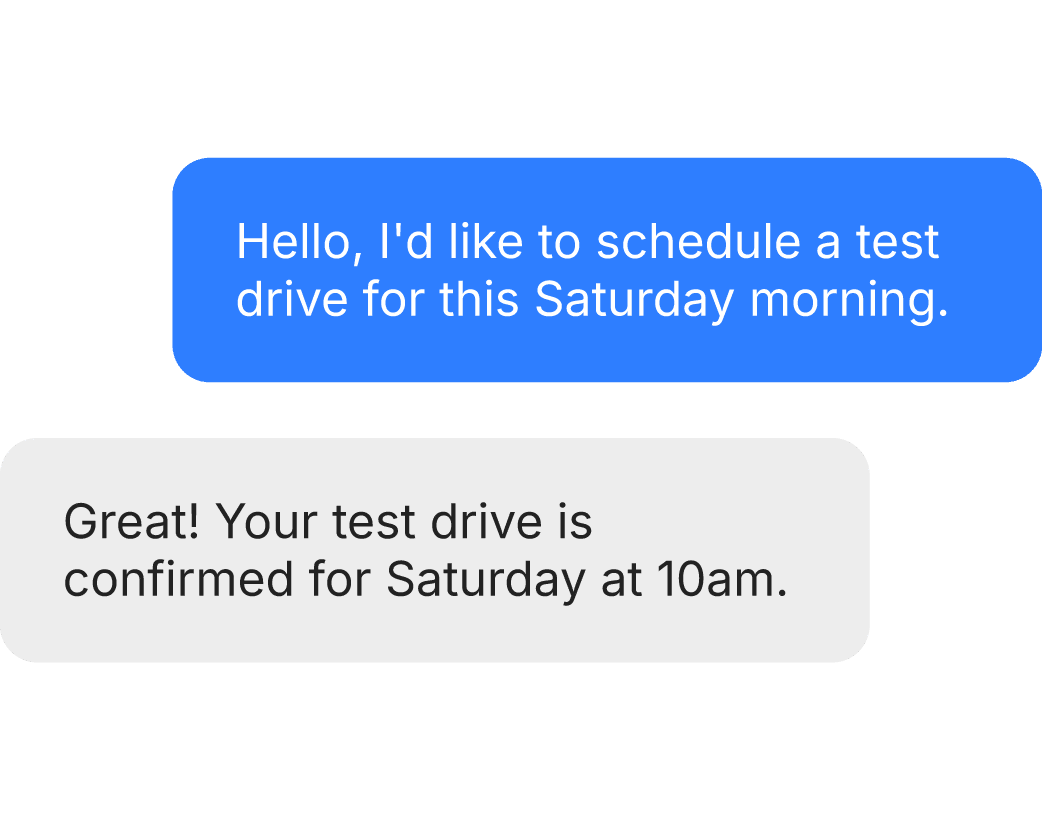
P2A Conversation
Person-to-Application refers to interactions sent by the end-user to a business.
Frequently Asked Questions
What is RCS?
What is an RCS Agent?
Your verified, branded business identity in the RCS ecosystem. It's what sends your messages and displays your name, logo, and verified badge to recipients.
How long does onboarding take?
A few days to a few weeks, depending on brand and use-case validation.
Do I need Google and operators approval?
Yes. Before sending RCS messages, your agent must be approved by both Google and the mobile operators. Google validates your brand identity and use cases, while operators check compliance with local regulations. RingRing handles the entire submission process on your behalf.
What is A2P vs P2A?
How is pricing structured?
By agent type (Conversational or Non-conversational), message content (basic, single, or conversational), and whether a conversation session opens. See the Billing section above for details.
Can I integrate RCS into CRM?
Yes via API. Find more information in our Documentation
Is RCS available on all phones?
Useful resources
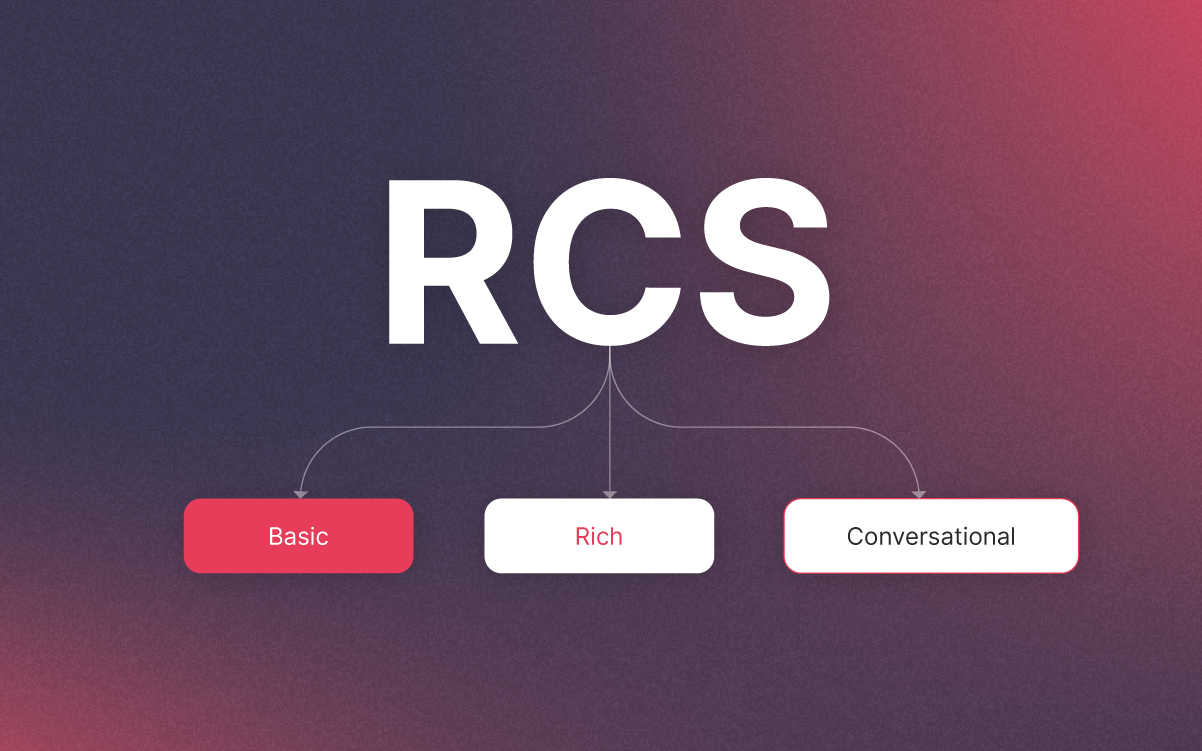
The 3 Types of RCS
Not sure which message type fits your use case? Learn the difference between Basic, Single, and Conversational messages.
What is RCS Messaging?
Not sure what RCS is? Discover the technology, its key features, and why it’s the next step beyond SMS.
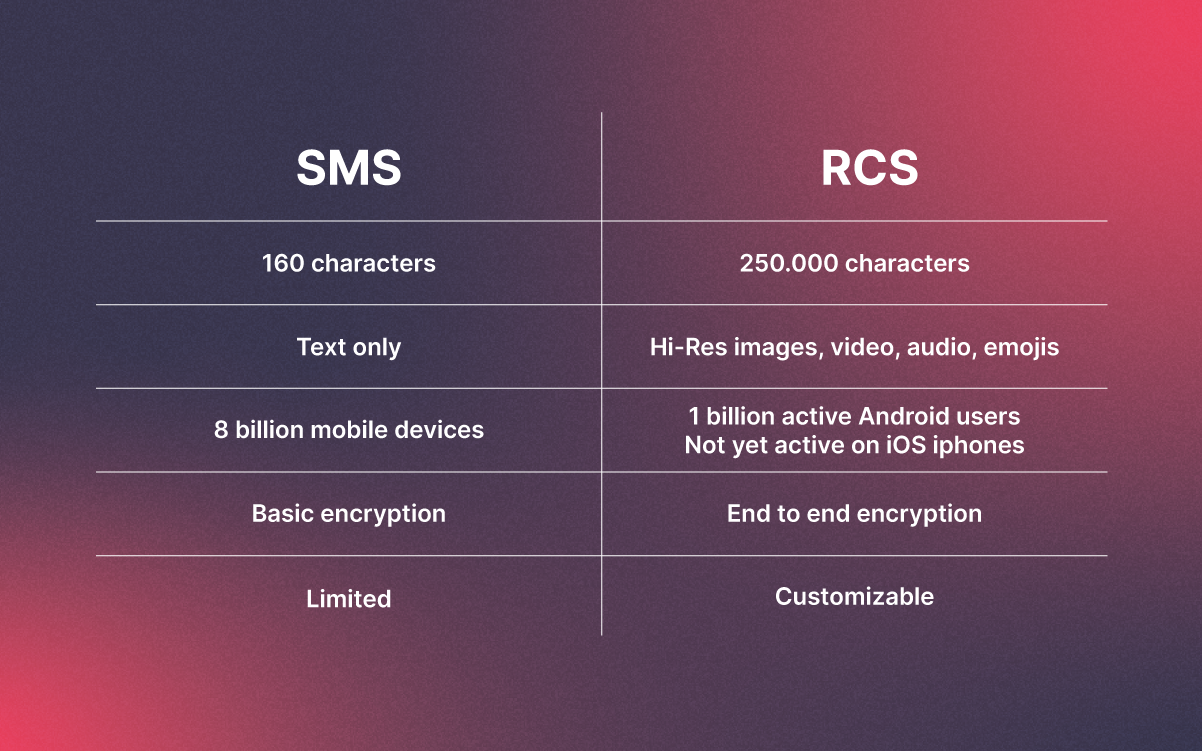
RCS vs SMS
Wondering how RCS compares to SMS? Explore the key differences and find out which one fits your business needs.